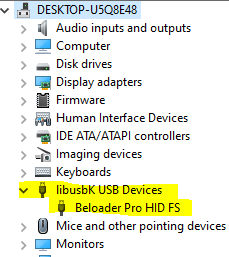
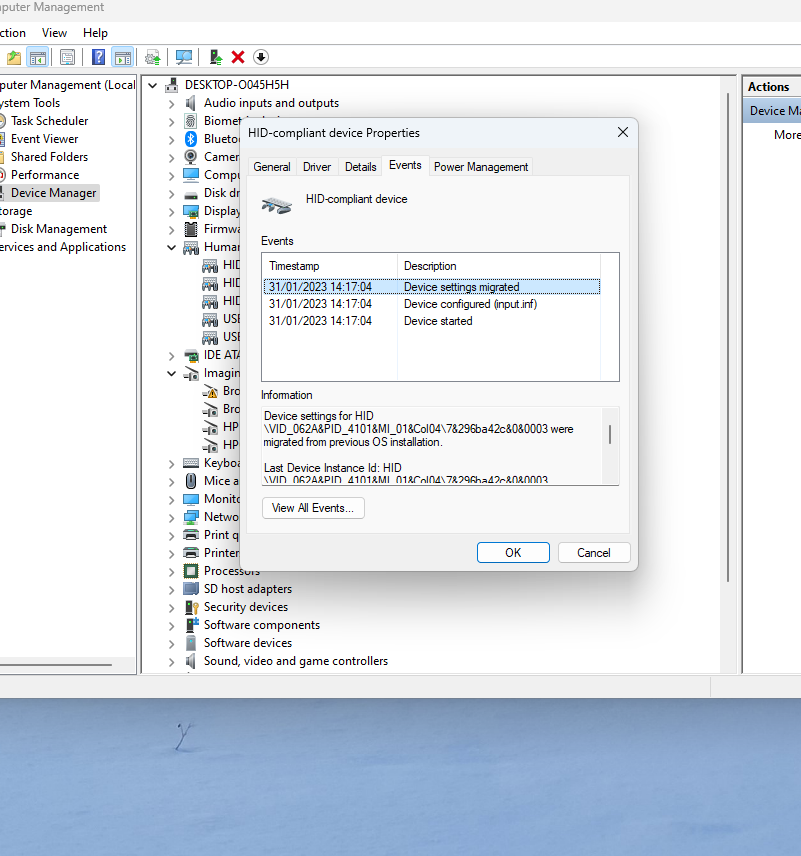
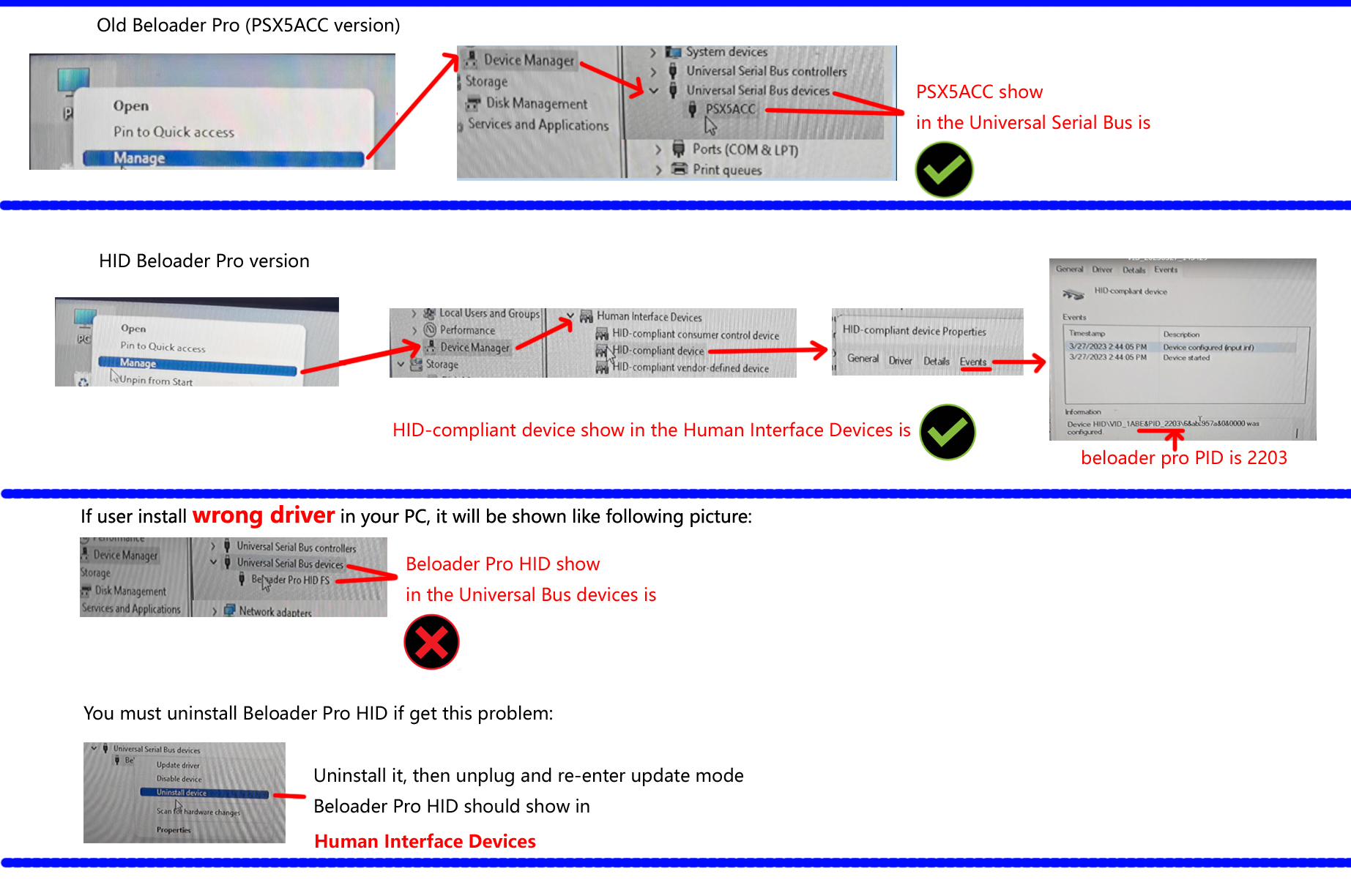
Please check the picture and video carefully, the beloader pro need enter the update mode (hold update button and insert PC)
Generally the beloader pro is correct, but if you install wrong driver in your pc,
the beloader pro can't be found, you must unstall beloader pro driver.
Ok i got mine to work. In Device Manager just keep uninstalling it till Beloader Pro Hid does not show up anymore. i have to do this many many many many time uninstall and installing it over and over till it doesnt show up anymore. as it doesnt show up anymore open up "HiD Manager 2.0" and it unplug and plug it in while holding the update button on the beloader. It will now show connected in the HID Manager. while in HID manager load the firmware and then click RUN. after it finish click login it will take you to the psn website and ask you to log in then once your in the redirct page copy the URL then go to Hid Manager and click on the PSN id then hit Paste. after that go to your PS5 to remote play and link then it will give you the 8digit code. put in the code then hit SAVE. now unplug from the computer and plug in the internet cable to the beloader and connect beloader to your PS5 with the left top slot same one you use to connect to PC just put that wire to the PS5. it will show in ps5 your are connected remote.



 Post time 2023-03-23 16:27:24

 Post time 2023-03-25 07:06:06
 Author